
Tai Dang Studio
A V I S U A L J O U R N E Y
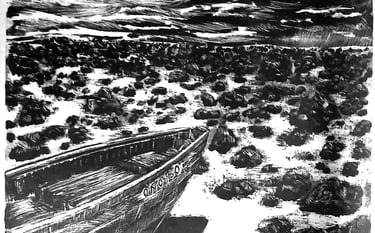
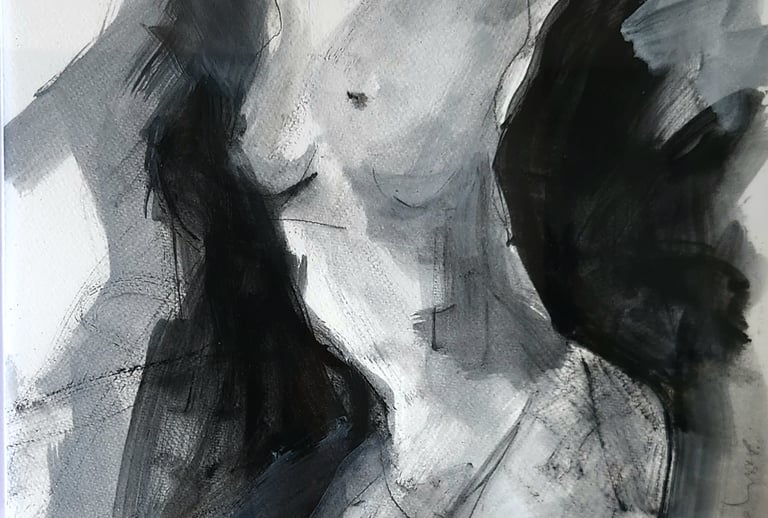
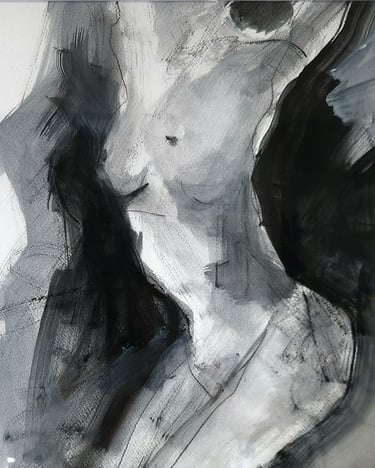
Arts collections
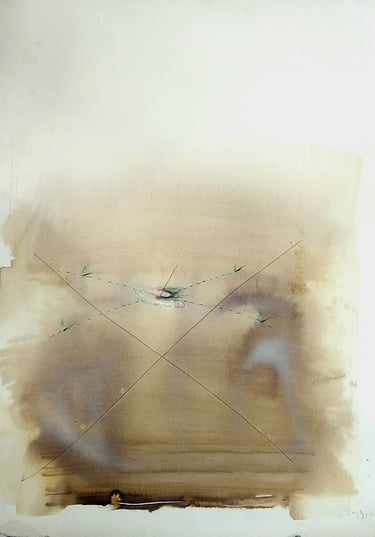
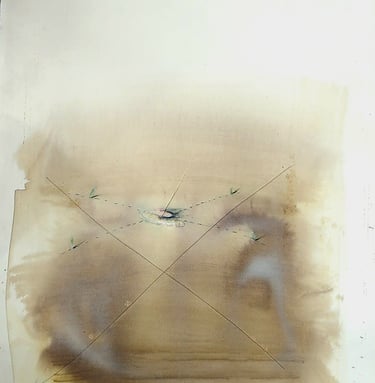
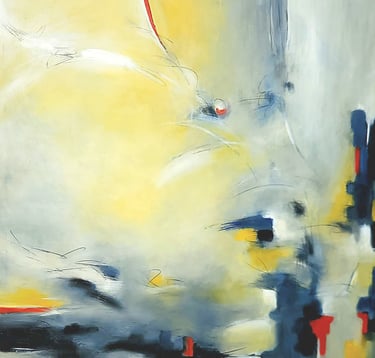
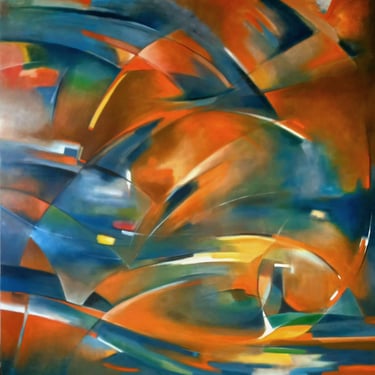
untitled 1985
watercolor on paper
21.2 x 28.3 in - 54 x72 cm
LONG NGUYEN
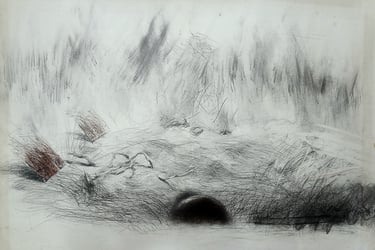
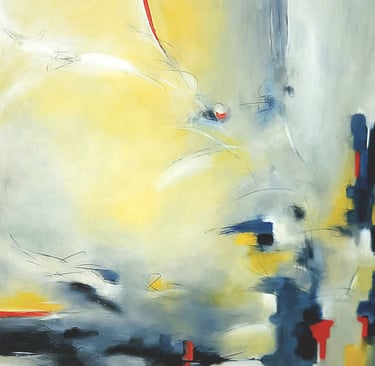
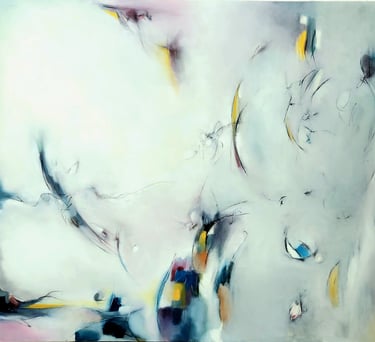
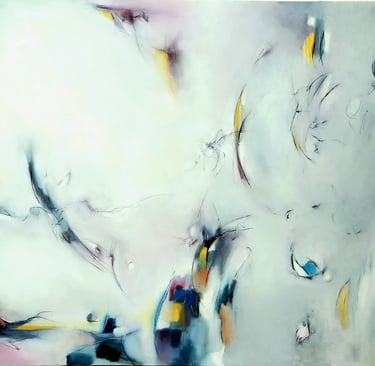
untitled 1985 pencil on paper
21.2 x 28.3 in - 54 x72 cm
LONG NGUYEN
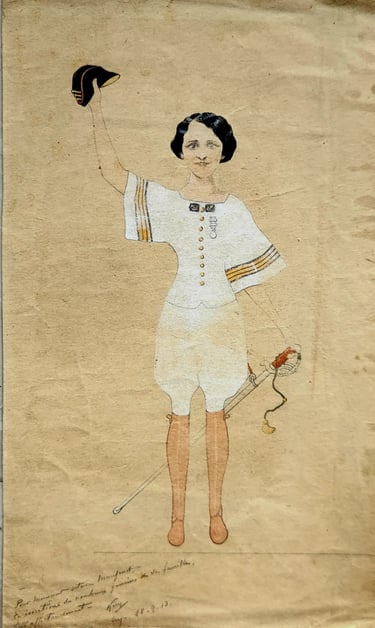
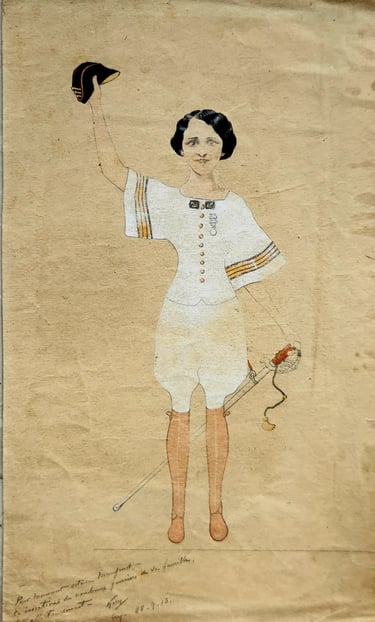
vintage fashion sketch
(female) 1913
watercolor/pencil on paper
7x11 in - 17.8 x 28 cm
KIRY
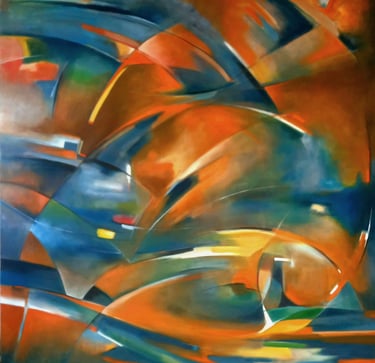
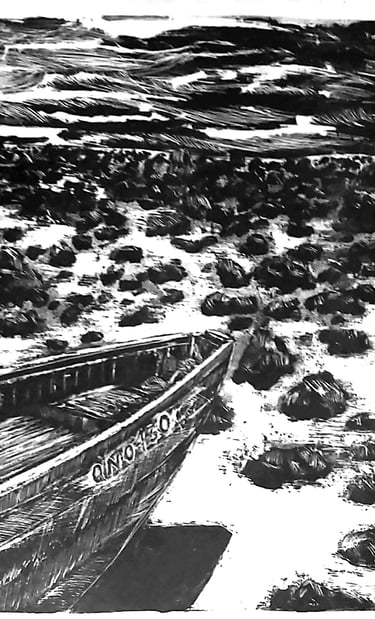
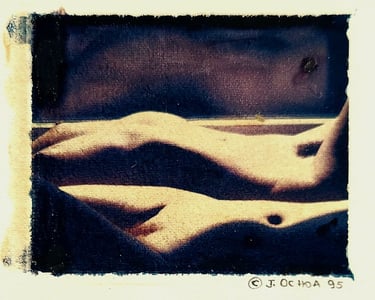
untitled 1985
mono print
3.5 x 4.5 in - 8.9 x 11.4 cm
JORGE OCHO
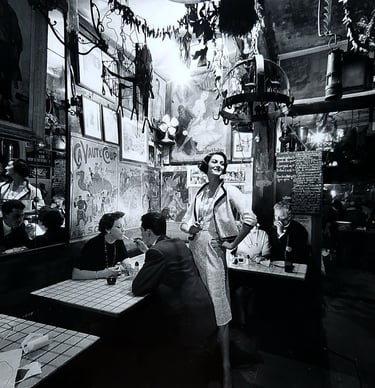
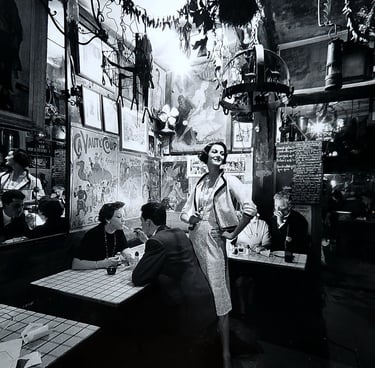
Carmen in Chanel, 1957
15 x15 in - 38.1x 38.1 cm
silver gelatine printed by Tai Dang
photographer Gleb Derujinsky
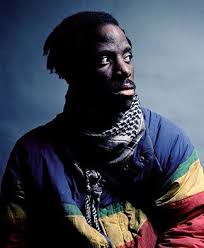
Normad series ( Rene ) 1990
cibachrome archival print
16 x 20in - 40.6 x 50.8 cm
photographer: ANDRES SERRANO
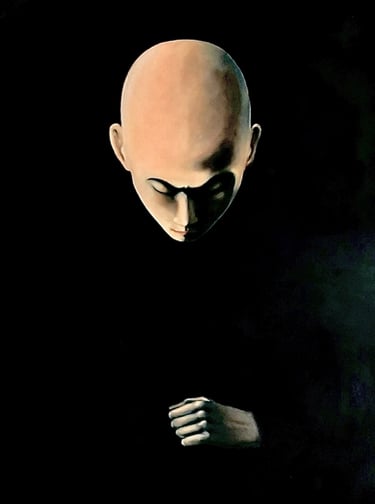
Long Nguyen
Other artists
Artworks are for sale to view by appointment only.
please contact: dangctai@gmail.com
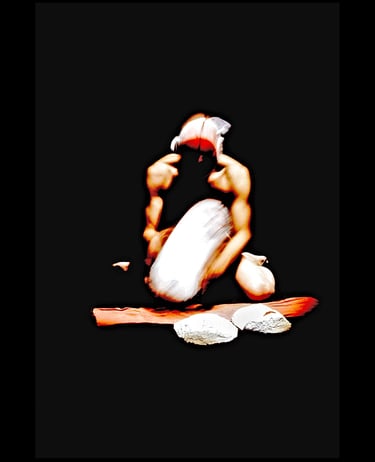
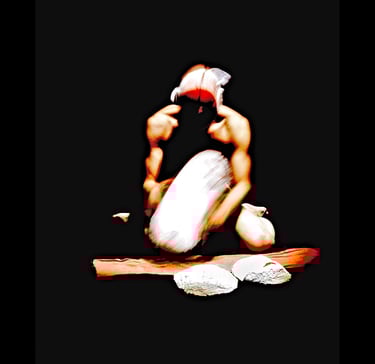
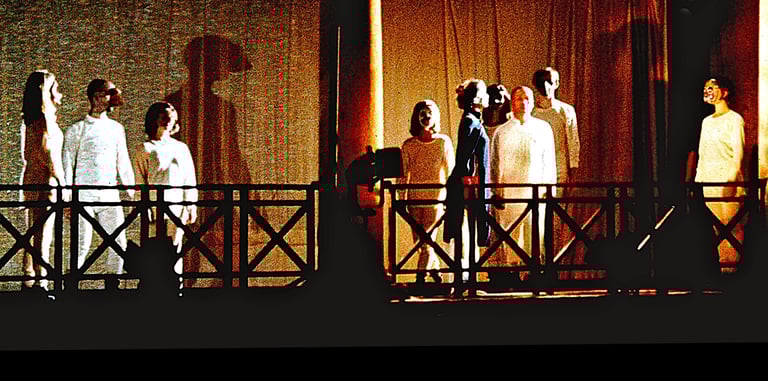
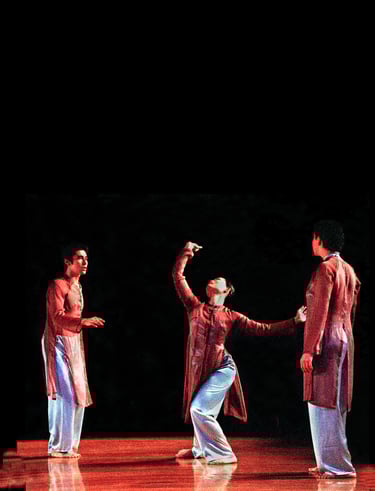
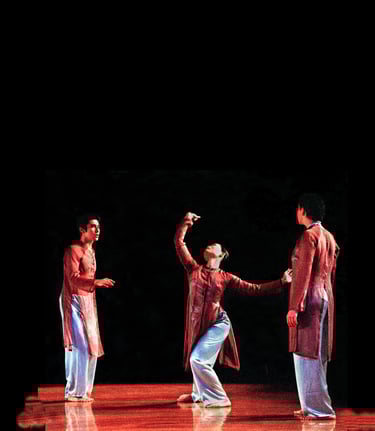
Tai has a special interest in site-specific performance. In New York Tai received many public grants to produce project outdoor and in abandon space. He presented his work in the US and Canada. In arriving New York City 1989 Tai began his performance career at ABC no RIO then presented his works at Thirteen Street Theater, CSC Theater, Dia Arts Center, Henry Street Settlement, Museum of Natural History, The Guggenheim Museum, The Kitchen and The Saint Mark’s Church. And many site-specific such as Angel Orensanz (the 150 years old synagogue ), Columbus park’s abandon pavilion and Elevated Acre at 55 Water St. Tai also a recipient of 2001 Artist’s Fellowship (Multi media-disciplinary work) and 1996 Artist’s Fellowship (choreography) from New York Foundation for the Arts. The OnSITE/NYC commissioning fund from Dancing in the Street with major support in part from Joyce Mertz-Gilmore Foundation and The Emma A. Sheafer Charitable Trust
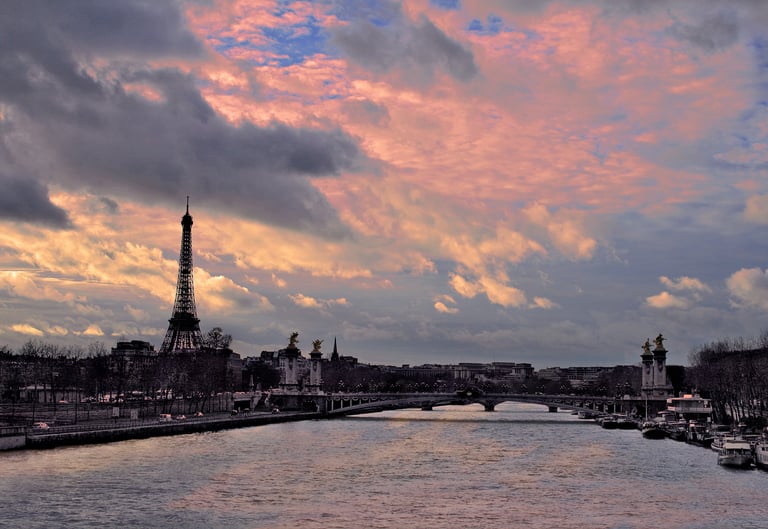
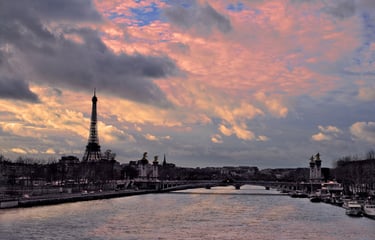
Tai's traveling photography capturing the beauty around the world.
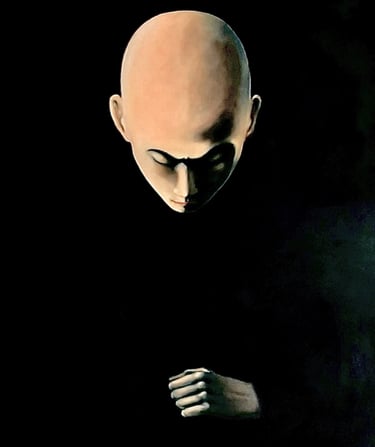
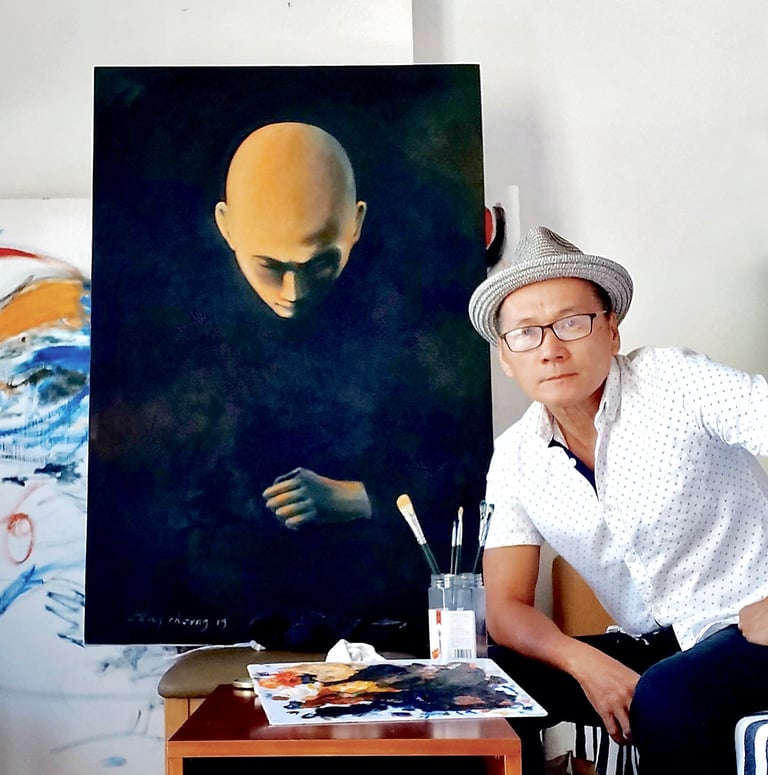
In 2018 Tai Dang established a painting studio in Danang, Vietnam and devote oneself to his painting career
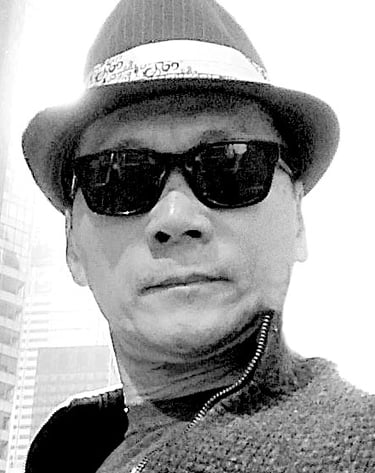
Tai Dang
photographer, director, choreographer/ performance artist, painter
Born in Vietnam. Graduated from California College of Arts. California, USA.
Reside in Danang, Vietnam
bio
taidang©2025 all rights reserved
performance arts chronicle
PUBLIC GRANTS
2006 Tangle (Elevated Acre at 55 Water St ) Grants for Art in Public Space from Lower Manhattan Cultural Council with generous support of The September 11th Fund.
2001 Artist’s Fellowship (Multi media-disciplinary work) from New York Foundation for the Arts
2002 Now and then, You put your hand over at Danspace Project at St. Mark’s Church, NYC
1996 Artist’s Fellowship (choreography) from New York Foundation for the Arts
1996 Have Red Ever Green Work and Progress at the Guggenheim Museum produced by Mary Sharp Cronson with major funding for the series was provided by Philip Morris Companies Inc.
1996 Have Red Ever Green Columbus Park OnSITE/NYC commissioning fund from Dancing in the Street with major support in part from JoyceMerztz-Gilmore Foundation and The Emma A. Sheafer Charitable Trust
1994 Chronically Here, was supported in part from Angel Orensanz Foundation
1993 RE were supported by the Association for VietArts, the Arts Council of Santa Clara County, the Community Foundation of Santa Clara County, California Arts Council and the San Jose Arts Commission.The Western Front special Grant from the City of Vancouver 1993 RetitledCross Cultural Fund in part of Canada council.
1993 The Falling Cow, Contact: Cultural change, Alternative perspectives program from American Museum of Natural History was funded in part by Chase Manhattan Bank, Citibank, and gifts from Samuel and May Rudin Foundation, The Henry Nias Foundation, Vidda Foundation, and the family of Federick H. Leonhardt.
1992 You Are Here was sponsored by Bronx Council on the Arts.
1992 RE In New York was supported in part by Asian American Arts Center.
1991 Come Let's View Snow Until We're Buried, was supported in part by a grant from the New York State Council on the Arts.
1990 Sockey CSC theater was supported in part by Asian American Arts Center.
1989 Homage to V Thirteen Street theater
1989 When Heaven and Earth change places ABC no RIO